
CAMERA
Your personal color coach
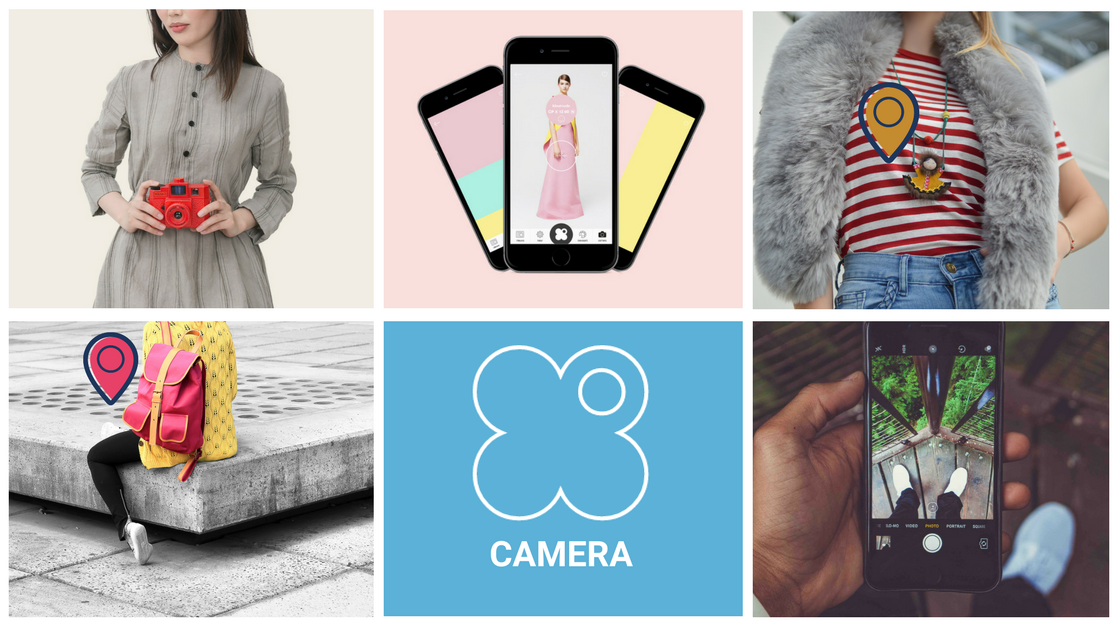
Imagine this: you’re (online) shopping and you find an item you fall head over heels in love with. Thanks to the app’s camera function it’s now super easy to check if clothing items fit into your wardrobe.
How does it work?
After opening the app, you select the square to the right of the bar at the bottom of your screen, which is labeled ‘Camera’. Then, you can choose whether you want to pick a color from a picture that’s already on your smartphone or if you want to take a new picture. After having picked or taken a picture, you can choose the right color with our handy color picker.
When you select the shade that’s the best match with the item of clothing you’ll immediately see if it’s a color that’s in your palette: if you see a smiley, it’s a color that makes you shine. If a smiley doesn’t appear, it’s not the perfect color for you. But don’t worry, if you select the color you’ll get to see all nuances of the tint with smileys next to the ones that are a match. Who knows, a shade that’s just a bit more dark is the perfect fit for you!
What now?
You’ve selected the color of your piece of clothing, is there anything else you can do? Of course! Just like in the ‘Creative’ tab, you can put together a palette with your chosen color, or you can see which other color is a perfect match with the one you chose. Time to experiment!