
CREATIVE
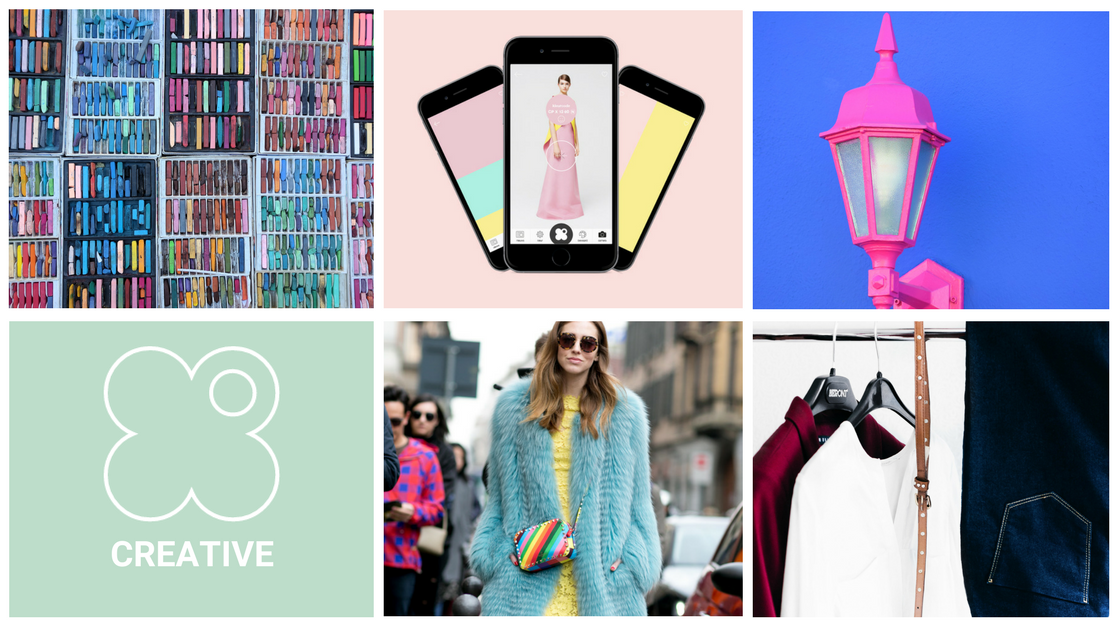
The My Color Passport app doesn’t only show you which colors make you shine. We also give you some fun tools you can use to experiment with color combinations! In the ‘Create’ tab, you’ll find the My Color Passport color wheel. Here, you can pick a starting color to start combining with other colors. When selecting a color from the color wheel, you’ll see a bunch of extra nuances: you can pick the perfect tint from this collection to work in the most accurate way.
Match & Palette
You can match your chosen color with another color, or you can put together a palette. Pick Match if you want to combine your color with one other color. If you want to put together more than two colors, you pick Palette. You’ll get a selection of colors that are a nice match with your original color with both of these tools. This way, you’ve got a lot of room for experimenting and it’s impossible to make mistakes!
If you want to save a palette, you click the save button at the top of your screen. If you want to enlarge your palette, click the icon to enlarge it.